Derrick Mitchell – Graphic Design Bootcamp: Create Projects Right Away! (Download)
Graphic design skills are essential in today’s visual-first world, whether you’re launching a creative career, starting a business, or enhancing your marketing capabilities. Yet many aspiring designers struggle with where to begin—Adobe’s professional tools can seem intimidating, and traditional design education requires significant time and financial investment.
Derrick Mitchell’s Graphic Design Bootcamp eliminates these barriers by teaching Photoshop, Illustrator, and InDesign through hands-on projects you can complete immediately, building portfolio-ready work while mastering industry-standard software.
About the Instructor
Derrick Mitchell is a professional graphic designer and owner of Mitchell’s Garage Creative Media in Kalispell, Montana. His work has appeared in international design publications and served clients including MTV, Nintendo, and Netflix. With extensive agency and freelance experience, Derrick brings real-world expertise to beginner-friendly instruction, focusing on practical skills that lead to employment or successful freelancing.
What You’ll Learn
This project-based course develops comprehensive skills across Adobe’s core design applications. You’ll gain confidence working with both print and web projects, understand logo design fundamentals including typography and color theory, master selections and compositing in Photoshop, work efficiently with vector graphics in Illustrator, and layout professional documents in InDesign.
The curriculum teaches proper file packaging, export procedures, portfolio presentation through Adobe Portfolio and Behance, and essential design theory principles that separate amateur work from professional results.
Course Content Overview
Photoshop Fundamentals begin with creating a poster, covering file setup, asset gathering, making and refining selections, text manipulation, layout refinement, and exporting artwork. You’ll then advance to composite imaging, learning advanced selection techniques, color level adjustments, and pushing creative boundaries.
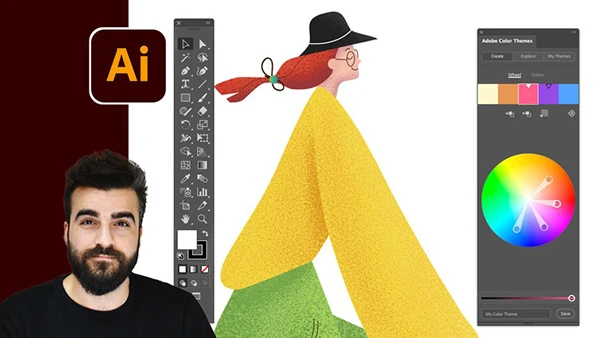
Illustrator Mastery starts with a typography poster project exploring type tools, Adobe Typekit, creating outlines, working with shapes and color, artboards, and file export.
Logo Design provides comprehensive training in research, mood board creation, font selection, ideation, client presentation design, color refinement, and professional file delivery with batch exporting capabilities.
You may also be interested in these courses:
- Rich Graysonn – Complete Beginner’s Guide to Digital Art (Download)
- Rick Davidson – Complete Blender Creator: 3D Modelling (Compatible with 4.3) Download
Print Projects include designing magazine advertisements with photo scraping, bullet lists, Font Awesome icons, shape masking, and press-ready exporting. You’ll create custom brochures with proper fold guides and printer marks, design professional business cards with custom finishes, and explore file packaging for client delivery.
InDesign Training teaches eBook creation through asset placement, layout principles, and final file packaging—essential skills for multi-page document design.
Design Theory covers crucial principles including texture, continuity, typography fundamentals, alignment, contrast, color theory, and balance—the foundational concepts every designer must understand.
Portfolio Development guides you through Adobe Portfolio and Behance, teaching direct export from Creative Cloud, custom cover creation, and professional presentation of your work online.
Bonus Content features 30 Facebook Live sessions covering business fundamentals, client management, pricing strategies, time tracking, invoicing, portfolio development, creative inspiration, and the lifestyle realities of professional design work.
Learning Approach
Unlike theory-heavy courses, this bootcamp prioritizes doing over discussing. Each section delivers complete, real-world projects that build your portfolio while teaching software proficiency. You’ll work at an efficient pace using professional shortcuts and workflows that maximize productivity.
Whether you’re seeking employment as a designer, starting a freelance business, creating materials for your company, or simply bringing creative ideas to life, this course provides the practical foundation needed to succeed.