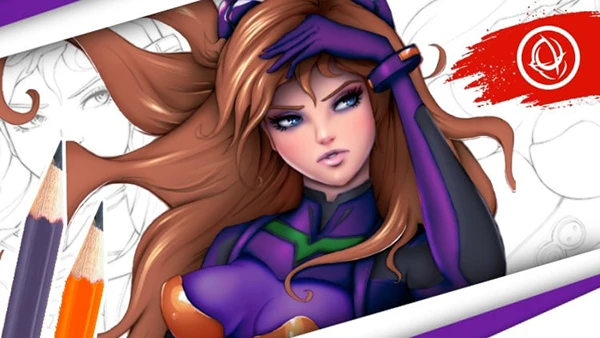
Brad Colbow – Drawing and Painting on the iPad with Procreate (Download)
Ever wished you could carry a complete art studio in your bag? The iPad has transformed digital art, making professional-grade illustration accessible anywhere. But powerful tools like Procreate can feel overwhelming without proper guidance. Whether you’re completely new to digital drawing or an experienced illustrator exploring the iPad, mastering Procreate unlocks creative possibilities that rival traditional desktop software—all on a portable, intuitive device.
About the Course and Instructor
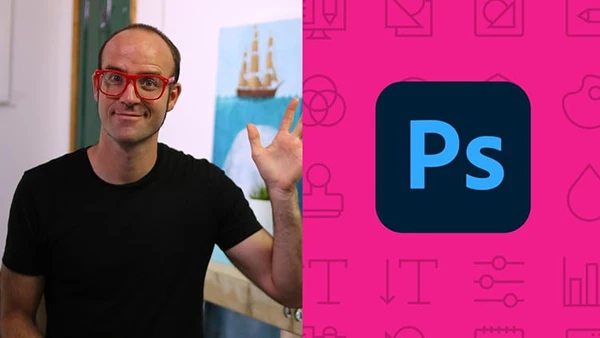
Brad Colbow presents a hands-on Procreate course designed around learning through practice. Updated for Procreate 5, this training takes a project-based approach where you’ll immediately apply each tool and technique to actual drawings rather than just watching demonstrations.
Colbow structures the curriculum to build skills progressively, starting with fundamental tools and advancing through complete projects including comic creation, painting workflows, and animation. Each lesson reinforces learning by combining instruction with practical application.
What You’ll Learn
Procreate Fundamentals
Begin with essential setup including file management, folder organization, and canvas creation. You’ll master the interface and understand how to configure Procreate for different types of projects.
Core Drawing Tools
Explore the brush tool in depth, learning various brushes and shading techniques. The course covers layers comprehensively across two lessons, teaching you how to organize, manipulate, and utilize blend modes effectively. You’ll work with color palettes, the color drop tool, and understand how color choices impact your artwork.
Selection and Shape Tools
Master the selection tool for precise editing and modifications. Learn QuickShape for creating clean geometric forms and technical elements in your illustrations. These tools become essential for professional-quality work and efficient workflows.
Comic Creation Workflow
Follow a complete comic strip project from start to finish. You’ll draw panels, create pencil sketches, add inks, apply colors, and design backgrounds. The course includes the text tool and importing custom fonts, giving you everything needed for complete comic page production.
Advanced Features
Learn to import and export files in various formats, create time-lapse replay videos of your drawing process, and organize custom brushes. You’ll discover how to import brushes created by other artists and explore Procreate’s extensive options and settings. The course even covers painting on 3D models for unique creative possibilities.
You may also be interested in these courses:
- Daniel Walter Scott – Adobe Photoshop CC – Essentials Training Course (Download)
- Neil Fontaine – Anatomy for Figure Drawing: Mastering the Human Figure (Download)
Drawing Guides and Perspective
Master drawing guides for precision work, including isometric drawing for technical illustrations and perspective drawing for realistic scenes. These tools help you create accurate, professional compositions across different artistic styles.
Special Techniques
Explore drawing with masks for non-destructive editing, learn new effects to enhance your artwork, and discover simple animation capabilities within Procreate. You’ll complete banner projects that combine multiple techniques into polished deliverables.
Comprehensive Final Project
Apply everything learned through a multi-part final painting project that integrates tools, techniques, and workflows into one cohesive artwork, cementing your understanding and building confidence.
Who Should Enroll
This course welcomes complete beginners wanting to start their digital art journey, iPad owners curious about drawing capabilities, traditional illustrators transitioning to digital, and experienced artists unfamiliar with Procreate specifically who want comprehensive training on this powerful app.