Phil Ebiner – Canon Camera Course: Getting Started with Canon Photography (Download)
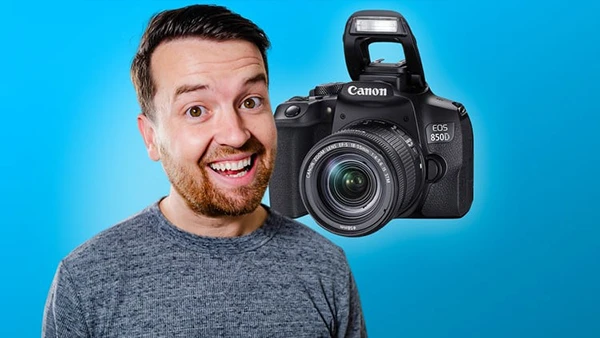
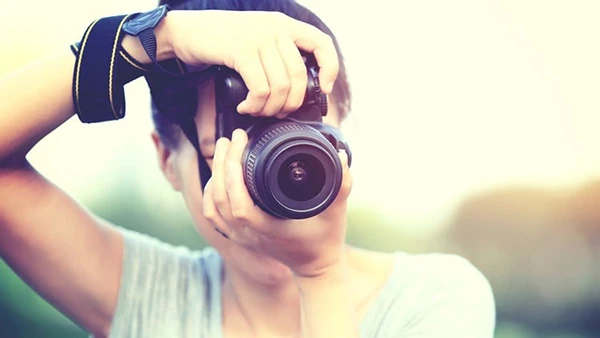
Owning a Canon DSLR doesn’t automatically make you a great photographer. Many beginners feel intimidated by countless buttons, mysterious menu options, and confusing settings. The gap between wanting beautiful photos and knowing how to capture them creates frustration that keeps your camera collecting dust.
Course Overview
Canon Camera Course: Getting Started with Canon Photography is a comprehensive technical guide created by Phil Ebiner and Video School. This course transforms camera confusion into confident operation, covering virtually every button, dial, menu option, and feature on typical Canon DSLR models.
Taught using the popular Canon Rebel T7i (800D), the instruction applies to most Canon DSLR cameras including the 80D, 70D, 60D, T-series, SL-series, and professional models like the 7D, 6D, and 5D.
What You’ll Learn
Quick Start Photography – Begin taking great photos immediately using automatic settings, then progressively build technical knowledge to gain full creative control.
Camera Body Mastery – Understand every physical element of your camera—buttons, dials, ports, and their functions. Navigate confidently without constantly consulting the manual.
Exposure Settings – Master the exposure triangle of aperture, shutter speed, and ISO. Learn to read and adjust exposure in any lighting condition, ensuring properly exposed images every time.
Shooting Modes – Discover when to use automatic modes, aperture priority, shutter priority, program mode, bulb mode, and manual settings. Understand exposure compensation for quick adjustments.
Focus Control – Navigate focus modes, autofocus points, and focusing techniques that ensure sharp images of your intended subject.
You may also be interested in these courses:
- Beginner Nikon Digital SLR (DSLR) Photography (Download)
- Phil Ebiner – Adobe Lightroom Classic CC & CC: Photo Editing Masterclass (Download)
Menu Navigation – Quickly access shooting, playback, and setup menus. Create custom menus for frequently used settings, plus learn to format memory cards properly.
Advanced Features – Work with white balance, metering modes, picture styles, drive settings including burst mode, RAW vs JPEG formats, and histogram reading for precise exposure analysis.
Video Capabilities – Explore video modes, audio level control, and external microphone usage for DSLR videography.
Equipment Knowledge – Make informed decisions about lenses, external flashes, ND filters, and memory cards. Understand the WiFi connection and Canon smartphone app integration.
Who Should Enroll
This course suits complete beginners with zero photography experience and those familiar with photography basics but new to Canon DSLRs. It’s perfect for anyone who recently purchased or received a Canon camera and wants to unlock its full potential.
Note: This is a technical camera operation course, not a general photography course covering artistic composition and creative techniques. The focus is mastering your equipment so creativity can flow freely.