Complete Photography Masterclass: 4 Courses IN 1 (Download)
Whether you’re picking up a camera for the first time or looking to refine your existing skills, photography can feel overwhelming with its technical jargon and endless settings. Many aspiring photographers struggle to move beyond auto mode or feel stuck editing photos that don’t match their creative vision. This comprehensive course bundle addresses these challenges by breaking down complex photography concepts into digestible lessons that build real, practical skills.
About the Course and Instructor
The Complete Photography Masterclass brings together four essential photography courses in one package, created by Creative Online School. This all-in-one learning experience takes you from understanding basic camera settings to mastering specialized techniques like night photography, HDR imaging, and professional photo editing. The curriculum is designed for progressive learning, ensuring each concept builds naturally on the last.
What You’ll Master
Photography Fundamentals
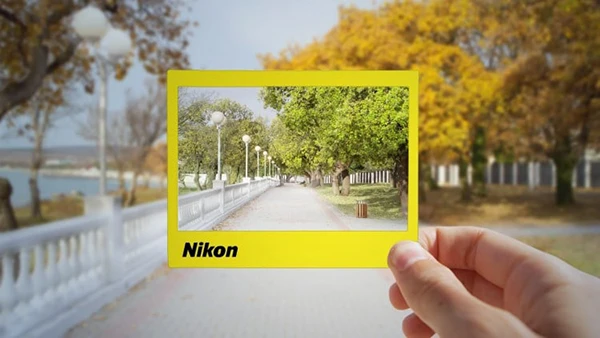
The journey begins with core photography principles that every photographer needs. You’ll explore the exposure triangle—the relationship between aperture, ISO, and shutter speed that controls how your images look. Learn when to shoot in RAW versus JPG, how to read histograms for perfect exposure, and master light metering to capture well-balanced photos in any situation.
You may also be interested in these courses:
- Louay Zambarakji – DaVinci Resolve 20 Mastery: Complete Video Editing Bootcamp (Download)
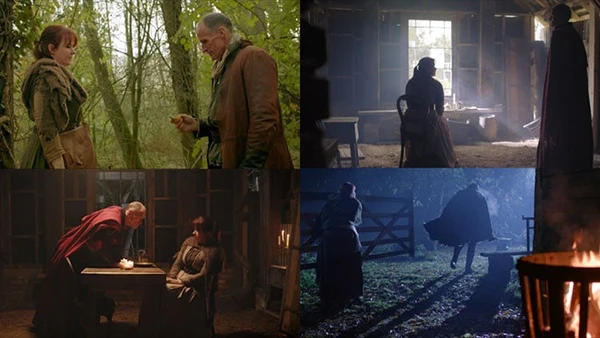
- Dale McManus – Cinematography Course: Shoot Expert Video on Any Camera (Download)
Specialized Photography Techniques
Take your skills further with focused training in architectural, night, and HDR photography. Discover the essential equipment for architectural shots, techniques for shooting in low-light conditions, and the process of creating stunning high-dynamic-range images that capture detail in both shadows and highlights.
Adobe Lightroom Mastery
Transform your raw captures into polished images using Lightroom. The course covers everything from importing and organizing photos to advanced editing techniques including white balance correction, color grading, lens corrections, and working with powerful tools like the spot healer, graduated filters, and adjustment brushes. You’ll also learn to streamline your workflow using presets.
Adobe Photoshop Techniques
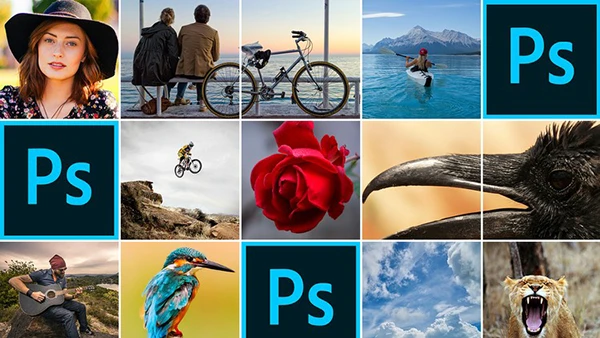
Round out your editing skills with Photoshop-specific techniques including color popping, matte effects, sharpening, object removal, HDR processing, and creative effects like vintage looks and high-key processing.
Who Should Enroll
This masterclass suits anyone committed to improving their photography—from complete beginners taking their first steps beyond smartphone photography to hobbyists ready to develop a more professional approach. The structured, step-by-step format makes complex topics accessible while providing enough depth to genuinely elevate your photographic abilities.