Matthew Falconer – Color Grading with Da Vinci Resolve: Beginner to Advanced (Download)
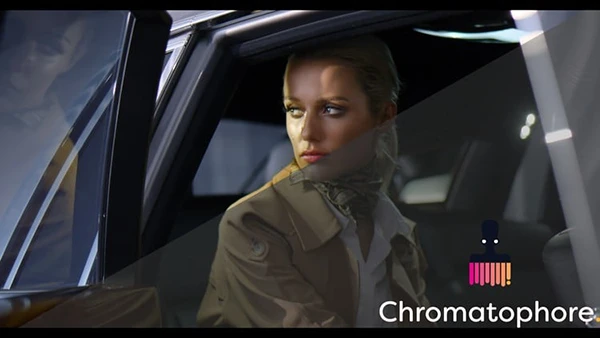
Color grading transforms raw footage into polished, cinematic visuals that evoke emotion and elevate storytelling. Yet many filmmakers and video creators struggle with this crucial post-production step, unsure how to achieve professional results or navigate complex grading software. Mastering color grading not only enhances your creative work but opens doors to a specialized, in-demand career using industry-standard tools available for free.
About the Course and Instructor
Color Grading with DaVinci Resolve: Beginner to Advanced is taught by Matthew Falconer, a Blackmagic Design certified trainer with over nine years of professional color grading experience. Matthew has delivered work for major brands including Unilever, BBC, Virgin Airlines, and TNT Logistics, plus feature films for international distribution. This comprehensive course provides hands-on training using real-world client projects.
What You’ll Learn
This complete grading workflow covers everything from project setup to final delivery:
Project Conforming
Master the media and edit panels, understand clip attributes and project settings. Navigate baked master workflows, XML round-trips with Premiere Pro, and AAF workflows with Avid for seamless integration with editing software.
Technical Foundations
Read scopes including luma waveform, RGB parade, vectorscope, and histograms. Understand codecs, bit depth, compression, data rates, color space, chroma subsampling, and gamma curves.
Primary Grading Tools
Control exposure and color using primary wheels, RGB curves, and log wheels. Organize projects with node trees, utilize the stills gallery, and match sequences using primary tools alone.
Secondary Grading Techniques
Execute precise corrections with attribute curves, saturation and luma adjustments, color warper, and chroma warper. Master the HSL qualifier, matte finesse controls, color slice, power windows, and tracking. Create advanced selections using the Magic Mask 2.0 for rotoscoping and garbage mattes.
Advanced Node Management
Utilize parallel nodes, layer nodes with blend modes, shared nodes, RGB splitter nodes, and compound nodes. Manage complex projects efficiently with proper organization strategies.
Camera RAW and Color Management
Work with RED R3D files, understand debayering and IPP2 decode. Configure color management settings for SDR broadcast and cinema delivery.
You may also be interested in these courses:
- Phil Ebiner – Video Production Bootcamp: Videography, Cinematography+ (Download)
- Phil Ebiner – Photography Masterclass: Your Complete Guide to Photography (Download)
Professional Delivery
Navigate delivery settings, create multiple outputs, and reconform projects back to editing software. Generate and apply 1D and 3D lookup tables (LUTs) effectively.
Real-World Projects
Grade complete projects including corporate videos, music videos, feature film scenes, a full short film, and commercial adds. Learn look development, multi-pass grading workflows, client signoff processes, and professional delivery standards.
The course includes training on OpenFX plugins (Beauty, Face Refiner, Color Compressor, Grain, Sharpening) and guidance on building a professional color grading workstation.
Who Should Take This Course
This training suits filmmakers elevating production quality, aspiring colorists seeking professional skills, video editors expanding into post-production finishing, and anyone wanting to deliver broadcast-standard work using DaVinci Resolve.