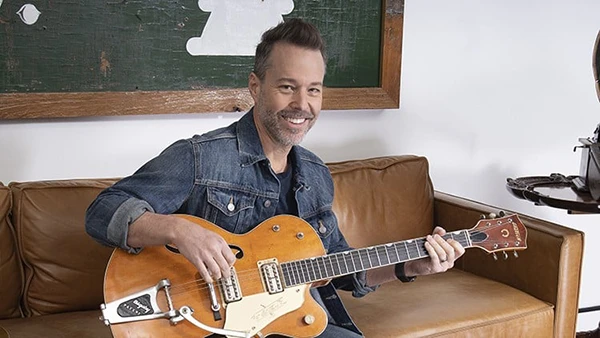
Tomas George – Music Production in Logic Pro – The Complete Course! (Download)
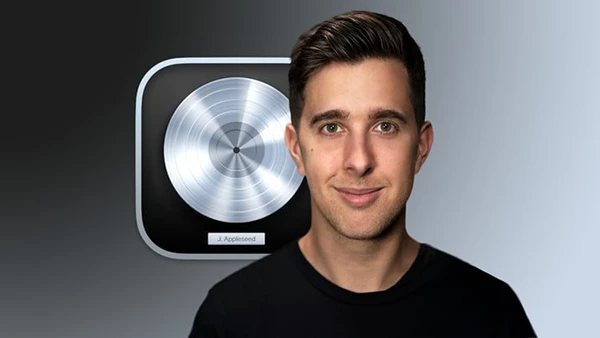
Creating professional-sounding music requires more than talent—it demands mastery of your Digital Audio Workstation. Many aspiring producers struggle with Logic Pro’s vast feature set, wasting time searching for tools instead of making music. Whether you’re a bedroom producer, experienced musician wanting to record your ideas, or complete beginner, understanding Logic Pro transforms your creative process from frustrating to fluid.
About the Course and Instructors
Led by Tomas George—who holds an MMus in Music Production and has taught over 360,000 students worldwide—this comprehensive course brings professional music production education to Logic Pro users. The teaching team includes Christopher Carvalho, Ian Alexander, and Digital Music Masters, combining decades of industry experience with proven educational methods.
With over 50 hours of video content, this course covers Logic Pro versions 10 and 11, including the latest updates and features introduced in version 11.
What This Course Covers
The curriculum takes you from initial setup through professional mixing and mastering, ensuring you understand both technical operation and creative application.
Getting Started and Navigation
You’ll begin by enabling Logic Pro’s complete features, understanding audio preferences, customizing the interface, mastering keyboard shortcuts and screensets, creating templates for efficient workflow, and learning essential control bar functions.
These foundational skills eliminate common beginner frustrations and establish efficient production habits from day one.
Creating Music Multiple Ways
Apple Loops: Learn to search, import, and arrange Apple Loops to quickly build musical foundations and explore different genres.
Live Loops (Logic Pro 10.5+): Master the Live Loops grid for performance-based composition, triggering scenes, queuing cells, and recording ideas into your timeline.
MIDI and Software Instruments: Dive deep into MIDI recording and editing using the Piano Roll Editor, quantization tools, and score editor. You’ll explore Logic’s powerful synthesizers including ES2, Ultrabeat, Alchemy, Retro Synth, and Sculpture.
Logic Pro 11 Features
For Logic 11 users, dedicated sections cover the revolutionary Session Players (Drummer, Percussionist, Bass Player, Keyboard Player) that provide AI-assisted musical accompaniment, and the Chord Track for harmonic organization and experimentation.
These tools dramatically accelerate the songwriting process while teaching music theory concepts through hands-on application.
You may also be interested in these courses:
- Pianoforall – Incredible New Way To Learn Piano & Keyboard (Download)
- Complete Guitar Lessons System – Beginner to Advanced (Download)
Beat Making and Composition
The course includes detailed instruction on creating drum patterns, basslines, and keyboard parts from scratch. You’ll learn the Step Sequencer (10.5+), Sampler and Quick Sampler instruments, and techniques for building complete arrangements.
Recording and Editing
Master audio recording setup and best practices, Flex Time for tempo manipulation, Flex Pitch for vocal correction and creative effects, and professional editing workflows that maintain audio quality.
Behind-the-scenes vocal recording workshops demonstrate real-world techniques used in professional studios.
Mixing and Mastering Fundamentals
The mixing section covers automation for dynamic control, Channel EQ and compression techniques, Space Designer reverb and Delay Designer, aux sends and group routing, Amp Designer and Pedalboard for guitar tones, and modulation effects for movement and depth.
You’ll also learn Logic Pro’s AI-powered Mastering Assistant (10.8+) alongside foundational mastering principles for achieving commercial-quality results.
Bonus Content
The course includes guidance on the best free third-party plugins, interviews with music industry professionals, and genre-specific production techniques applicable across all DAWs.
Who Should Enroll
This course suits complete beginners with no formal music training, musicians and band members wanting to record their own ideas, existing Logic users seeking to deepen their knowledge, producers transitioning from other DAWs, and anyone frustrated with slow, inefficient production workflows.
Note: This course requires macOS and Logic Pro 10 or 11.